Skip to content
SpannerGames Sign in
MarchingSquares

Tool · Out now

MarchingSquares

Paint one guide. Get a complete 2D tileset of plateaus and cliffs.

About

The 2D sibling of MarchingBlocks. Heights live on the corners of the grid: plateaus of any height, stacked and hiding one another, cliffs, materials with soft transitions, variants. One guide holds all 33 tiles and all 227 junctions — you paint it once, every pixel showing wherever its tile appears — and a Godot plugin lays whole worlds with it, exactly as the editor shows them. Free and open source (CC0).

Progress

80% · Version 1.0.0 — free and open source (CC0); next, a hand-painted example tileset

  • The first tool runs
  • The corner model, proven on a test bench
  • No diagonal meetings: the brush refuses them
  • Guide, model and paint tool together
  • Manual and example
  • First release on GitHub (1.0.0)

Moments
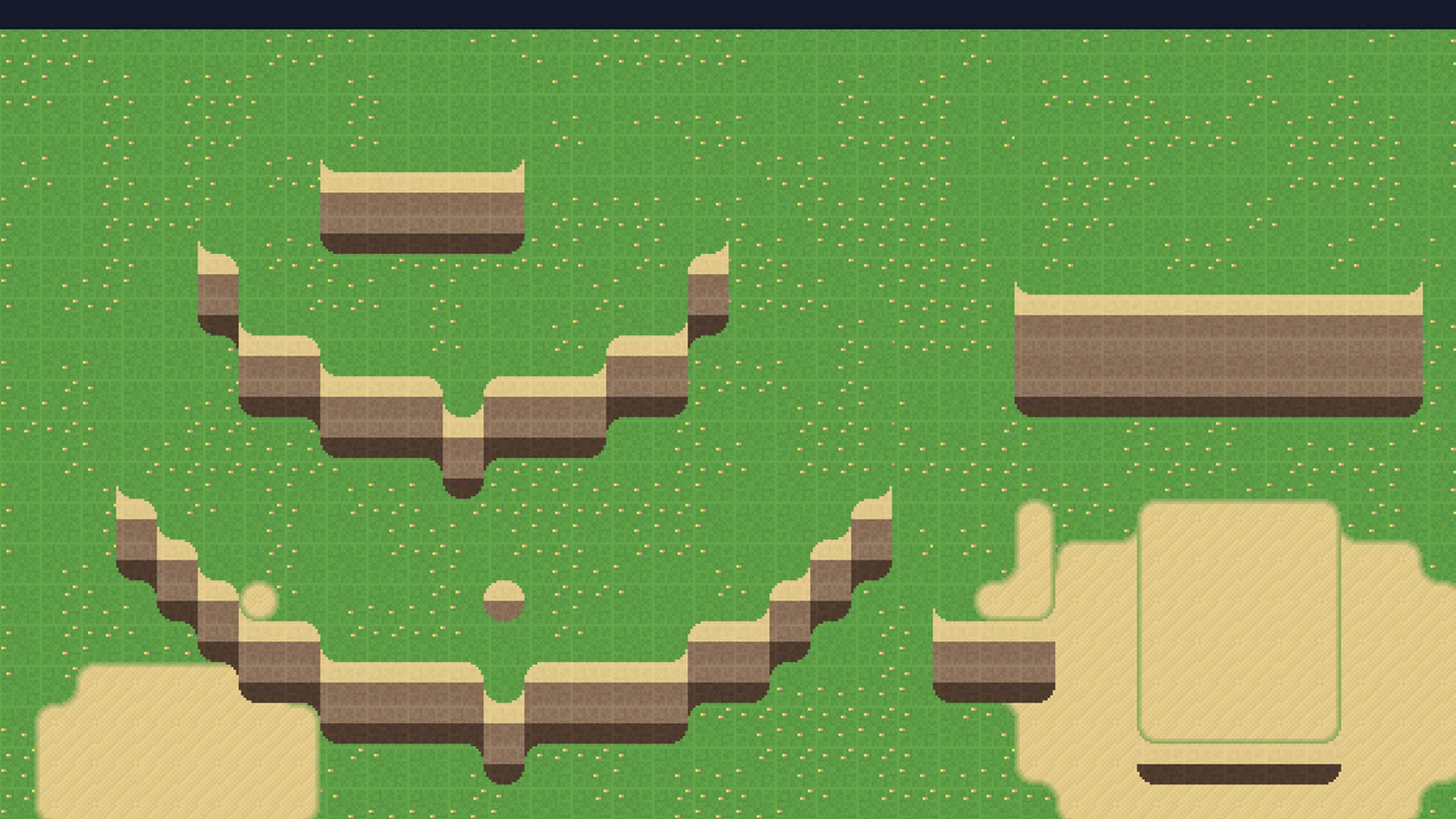
A world laid in Godot by the MarchingSquares plugin. The tiles are the trial set the tool computes by itself: a specification drawing, not art.
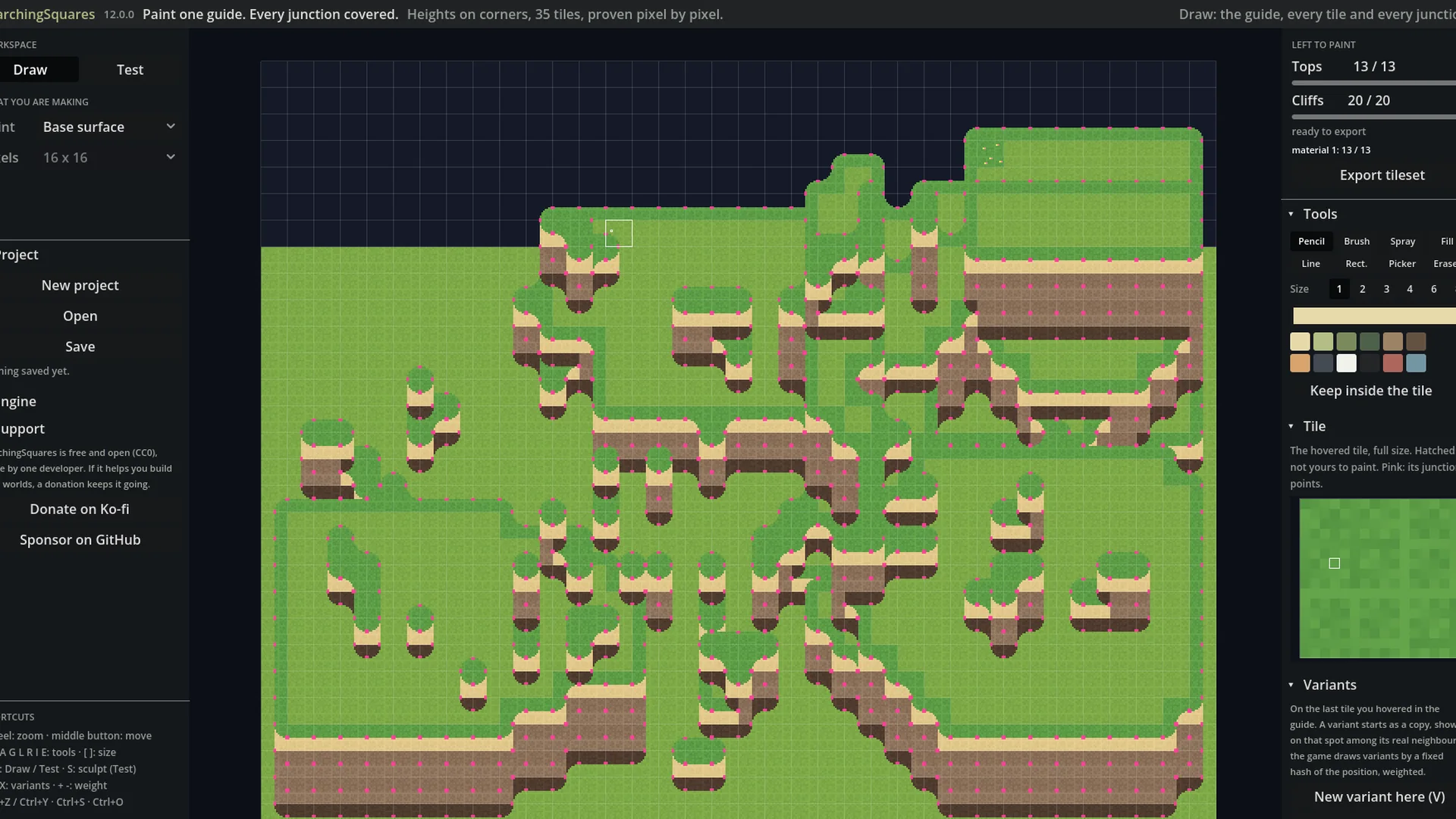
Draw: one guide holds all 33 tiles and all 227 junctions. Paint a pixel and it shows wherever that tile appears.
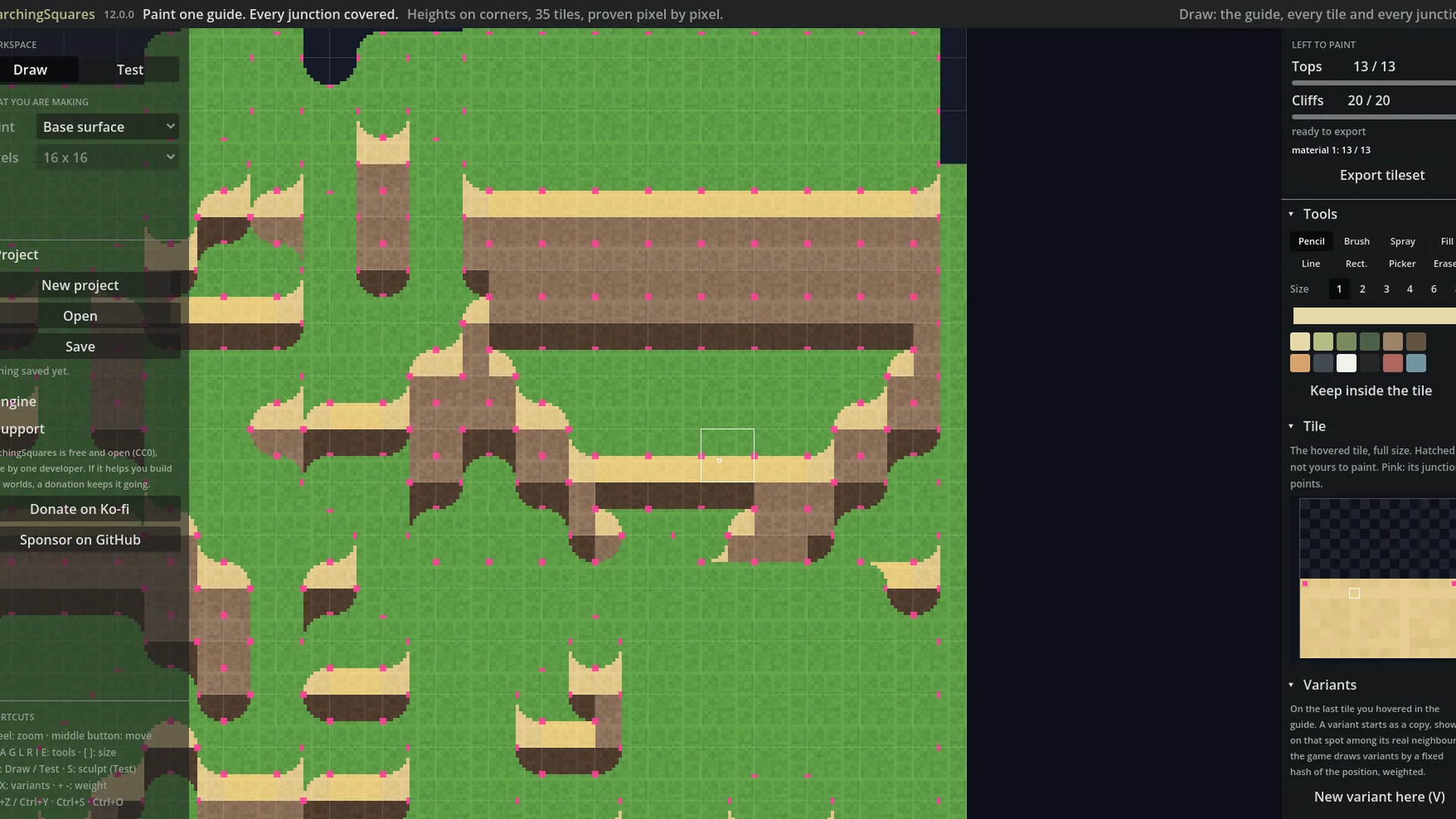
Pink points mark where a band meets the edge of its tile: the drawing carries on in the neighbour there. Right: the hovered tile, full size.
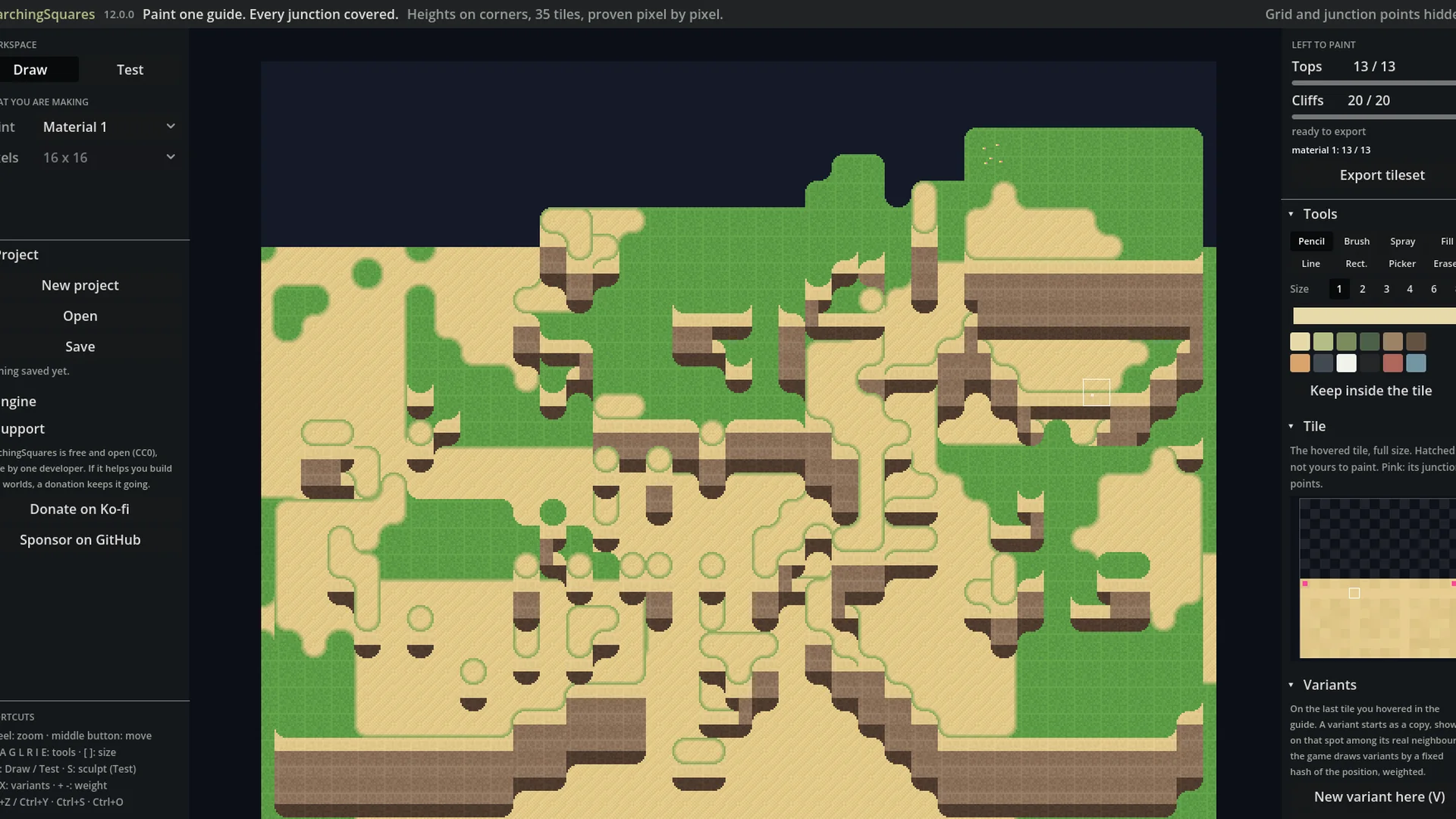
A material (here, sand) uses the same 13 rounded top shapes: soft transitions, never steps.
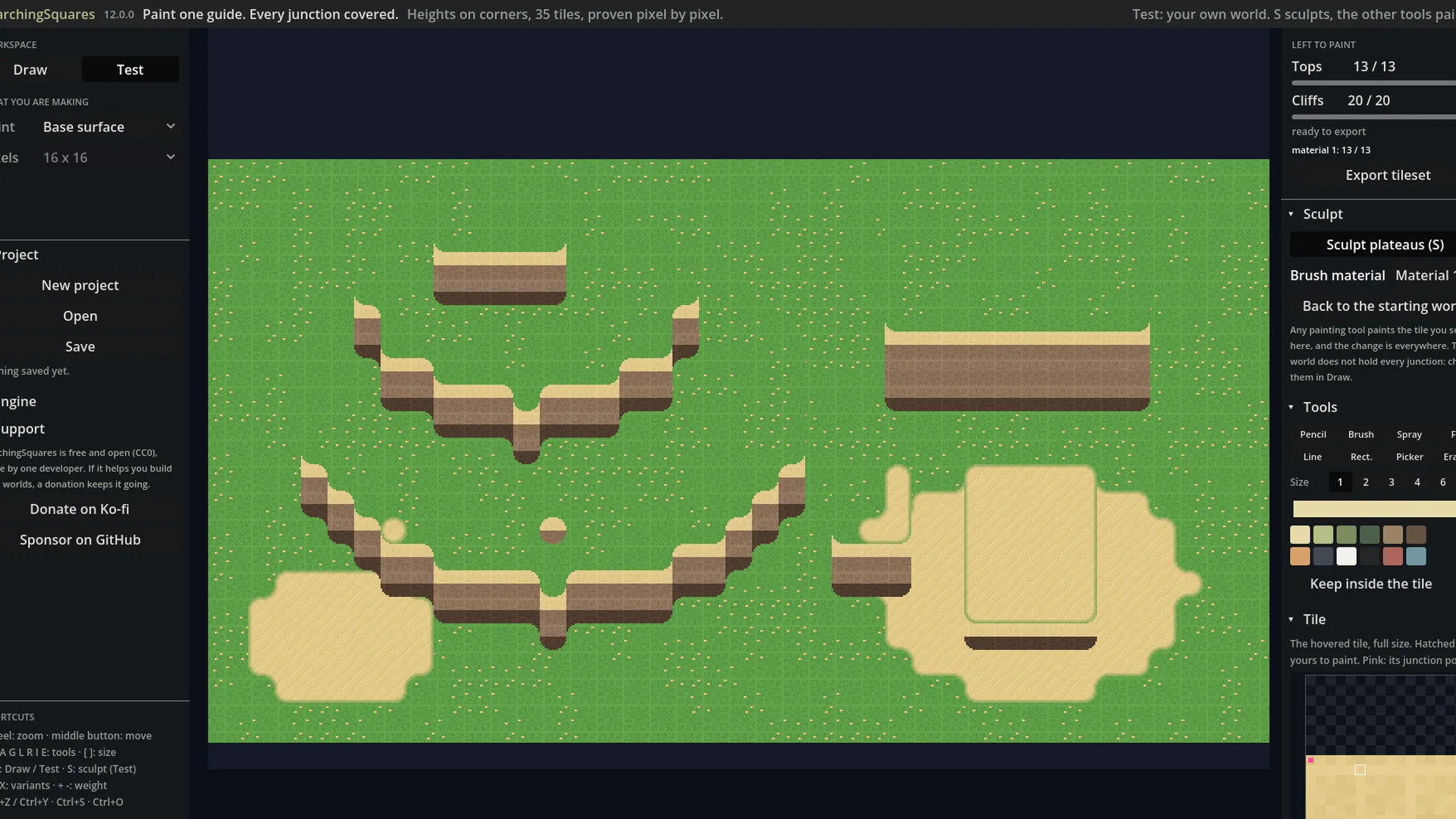
Test: sculpt your own world, plateaus of any height, and paint it. Every change shows everywhere.
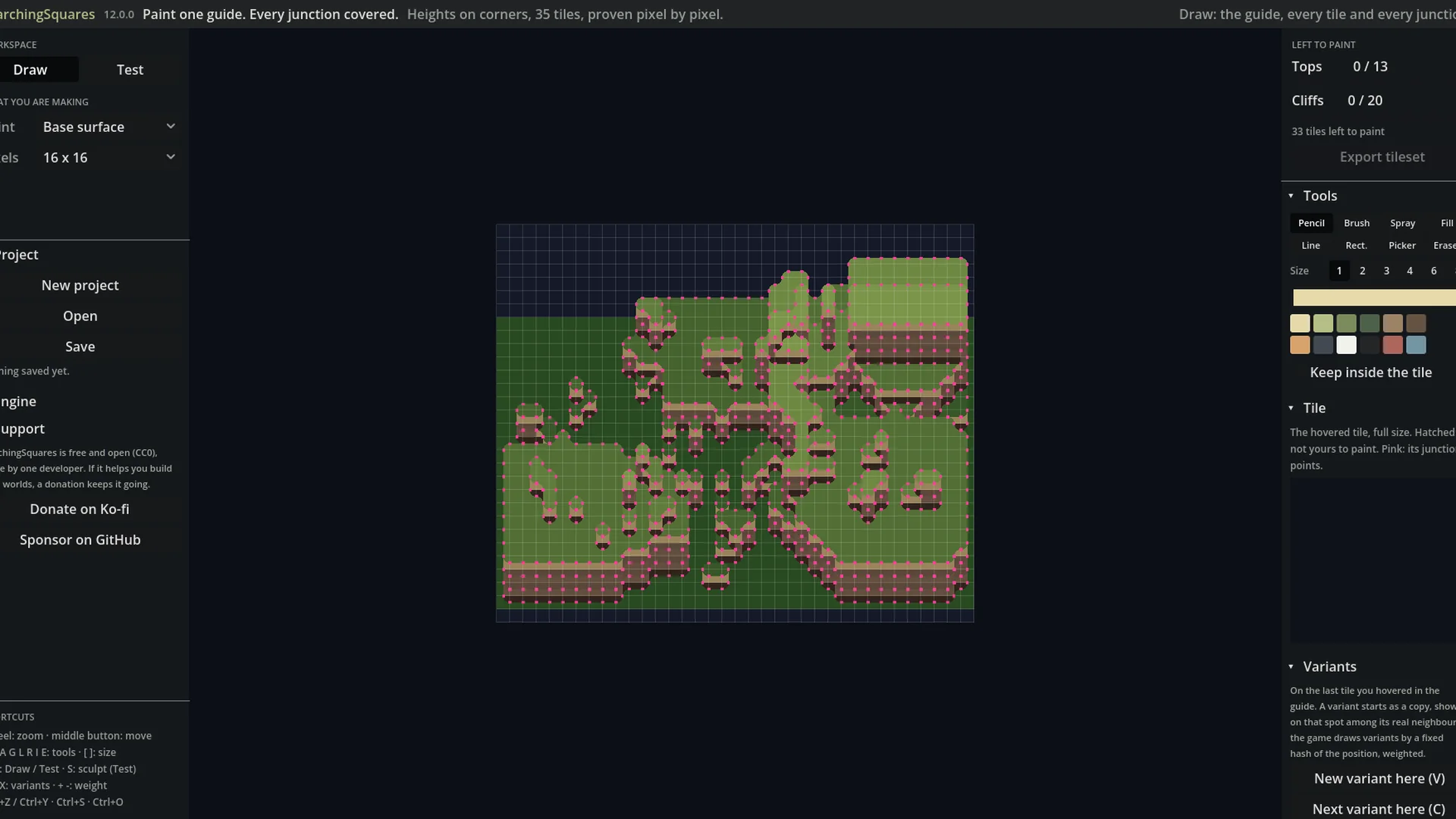
Before the first pixel: the guide in flat colours, proven complete against an exact ray cast.